WavWriter
ADA Compliant Voice & Visual Messaging Control System
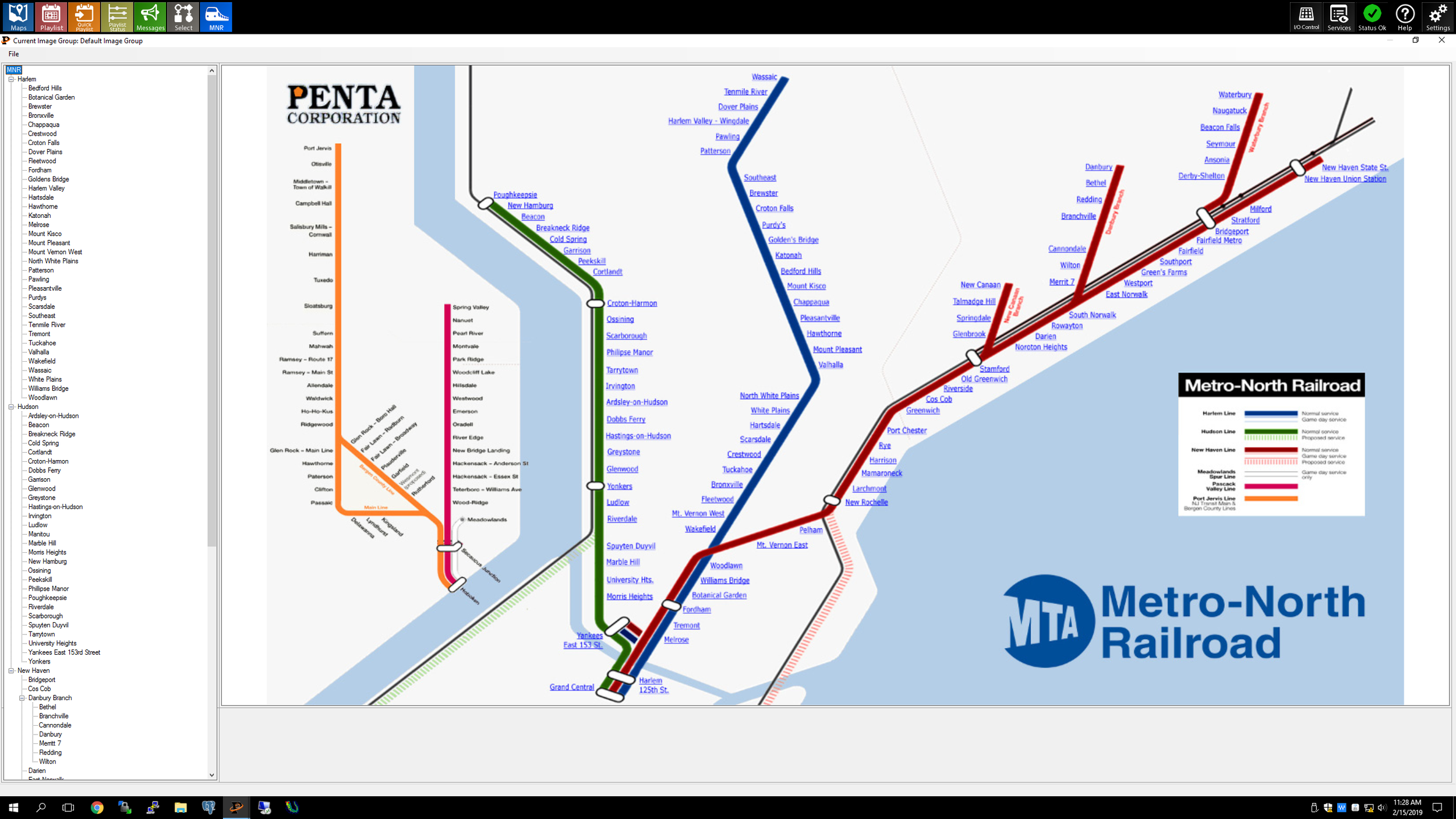
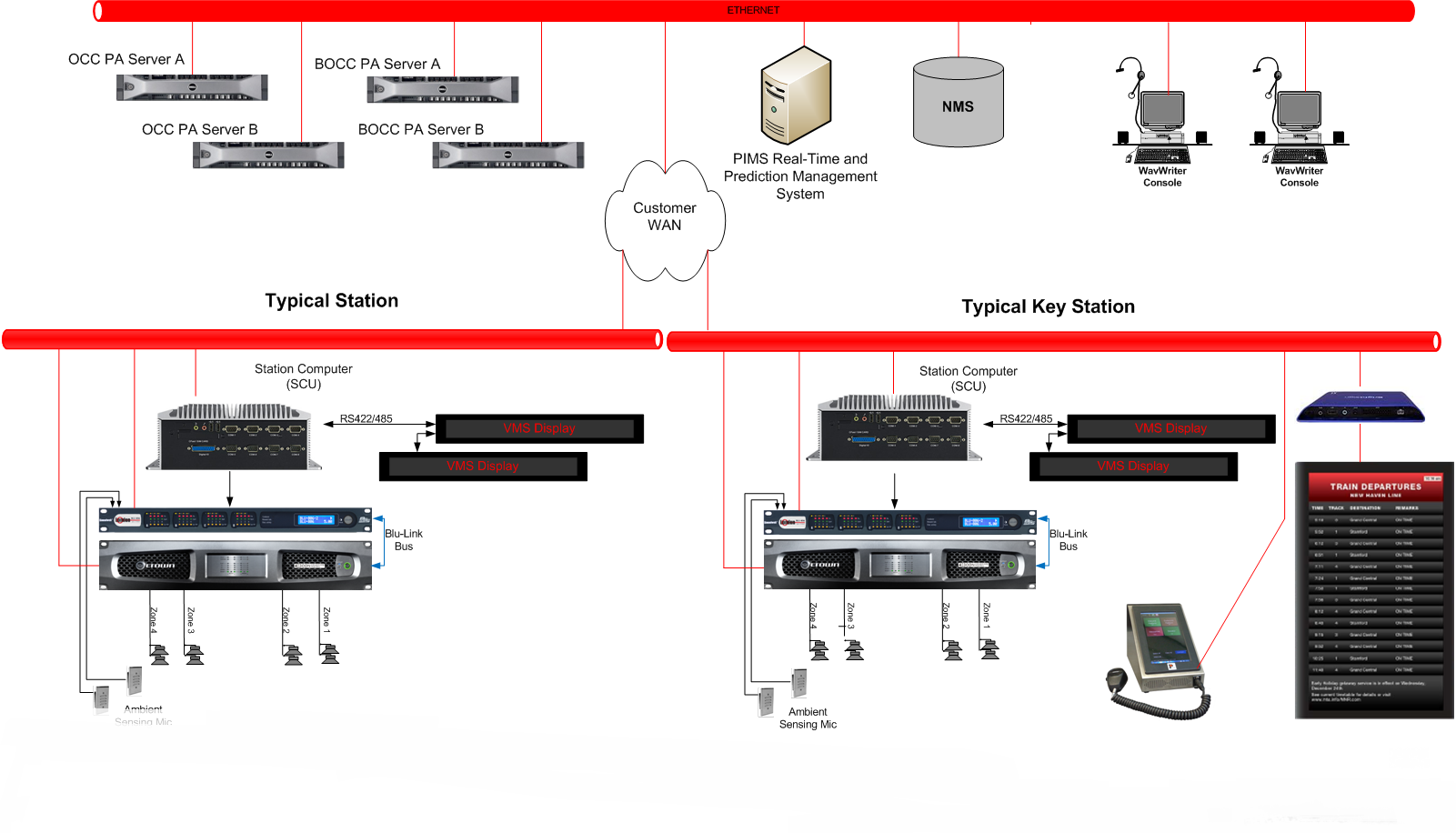
WavWriter is Penta’s premier control suite that provides for the creation, distribution and control of ADA compliant voice and visual messaging over modern data networks for the world’s greatest transportation systems. Whether using the subway, commuter rail, light rail, trolley, or bus, Penta’s WavWriter delivers timely, useful and effective information to audio systems, LED displays, video displays, personal communication devices and smartphones.
Penta displays are easily customizable in color, font and format to meet the needs of your transit authority. The WavWriter has priority emergency messaging and can be scaled to support large and small systems.
Passenger Information Displays
Penta's Passenger Information Display interfaces are ADA Compliant and customize designs are based on your transit authority specifications and requirements. The visual display templates are designed to provide accurate, easy to understand information and notify users about any system updates. The Passenger Information Displays are completely web-based, allowing the use of media players and browsers at remote stations and terminals. The use of standard web pages and networking provides compatibility with standard tools, hardware, and maintenance. Each location’s authorized users can completely manage and supervise remote sites with real-time updating of content, information, schedule, and emergency messaging. Content is accessed using SQL database queries and triggers, making the Penta WavWriter digital signage compatible with virtually all standards-based asset tracking and asset management systems. Easy to use web creation and field editing software is designed to be extremely flexible for the creation of custom pages and displays.
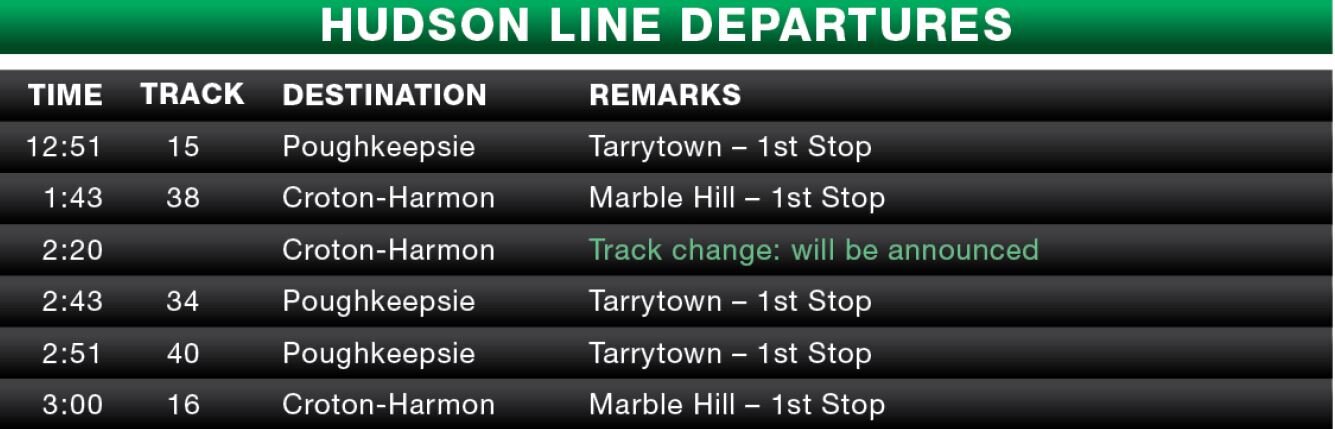
Big Board Display Alerts
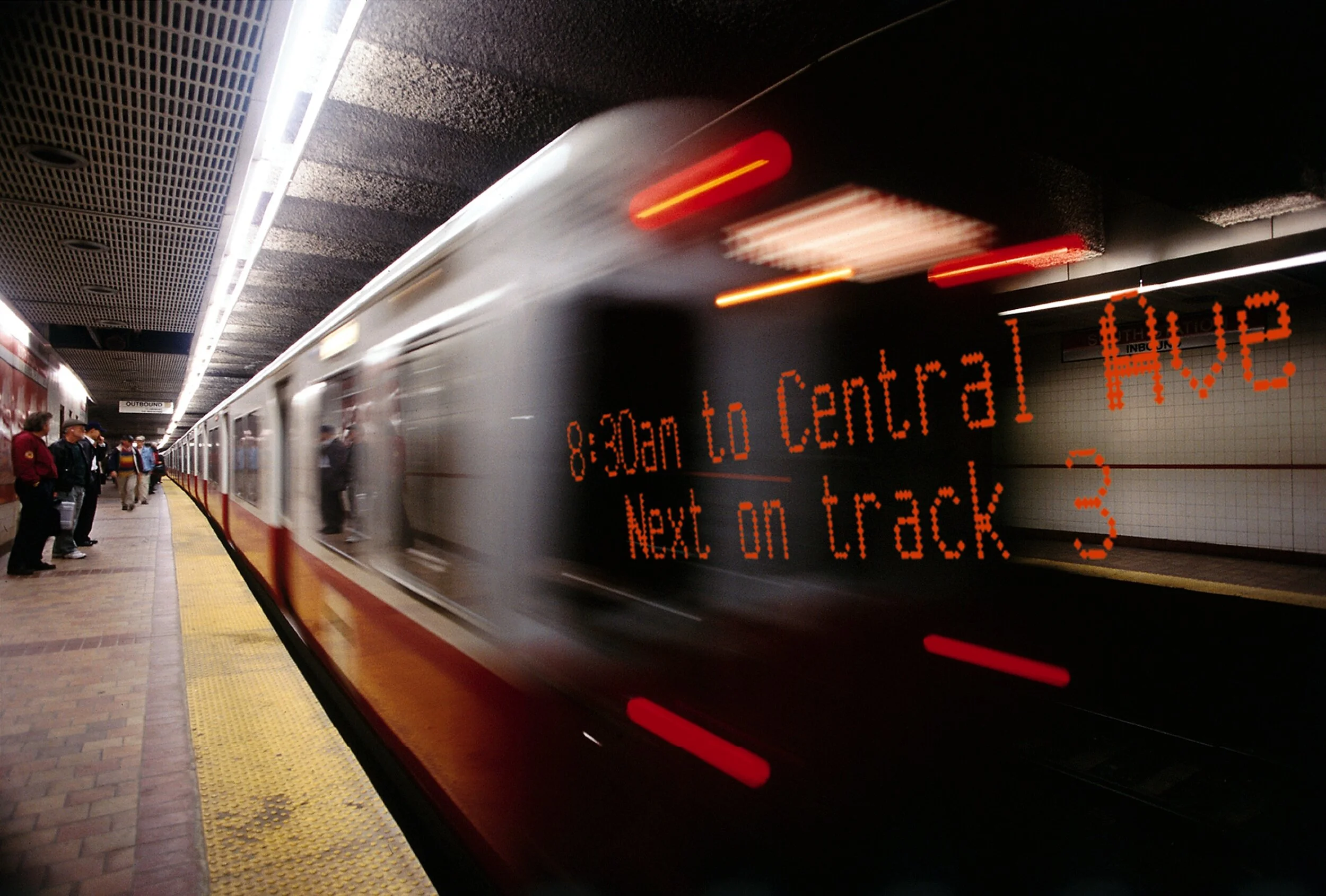
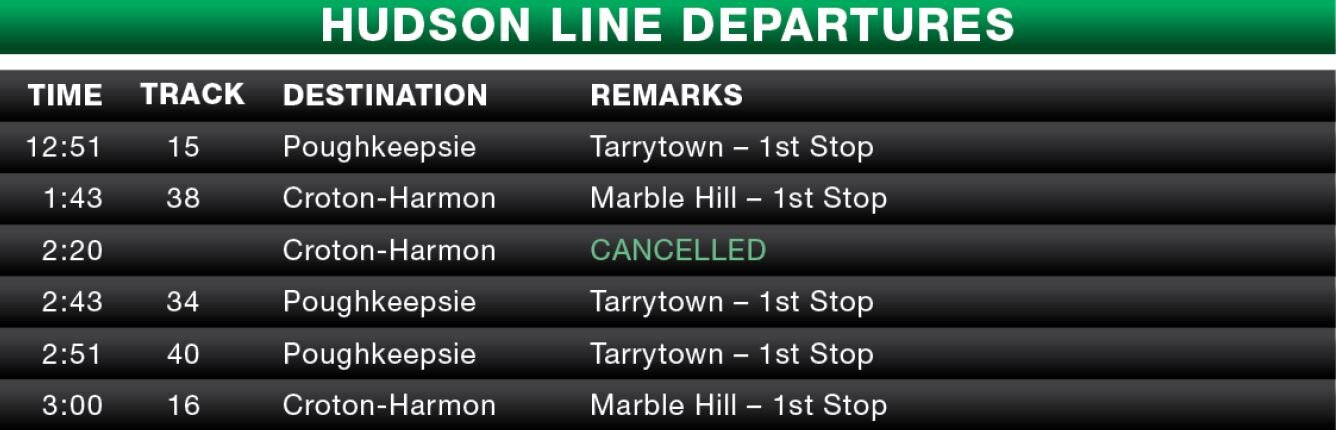
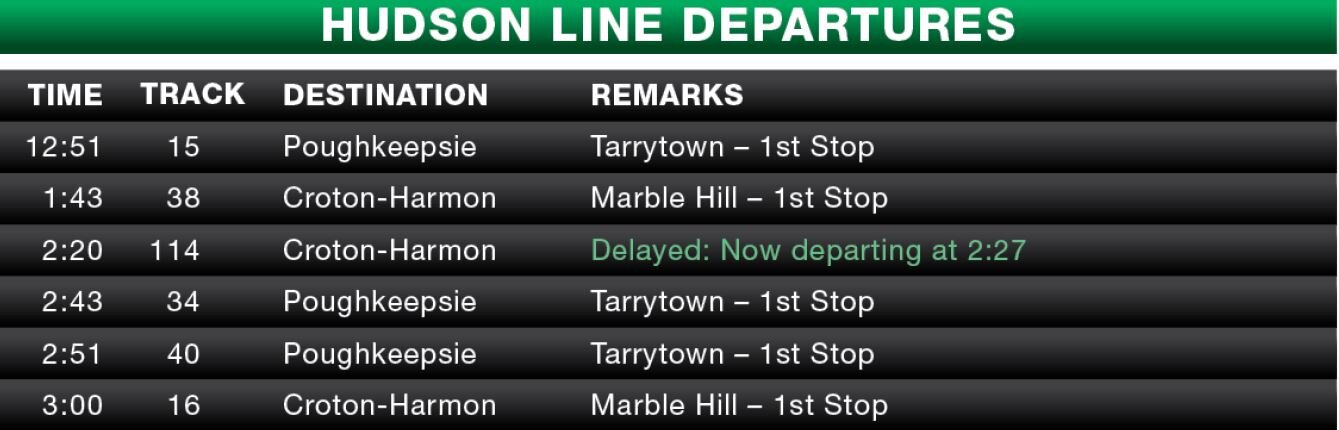
Our boards have the capability to notify passengers in real time of cancellations, delays, track changes and more.
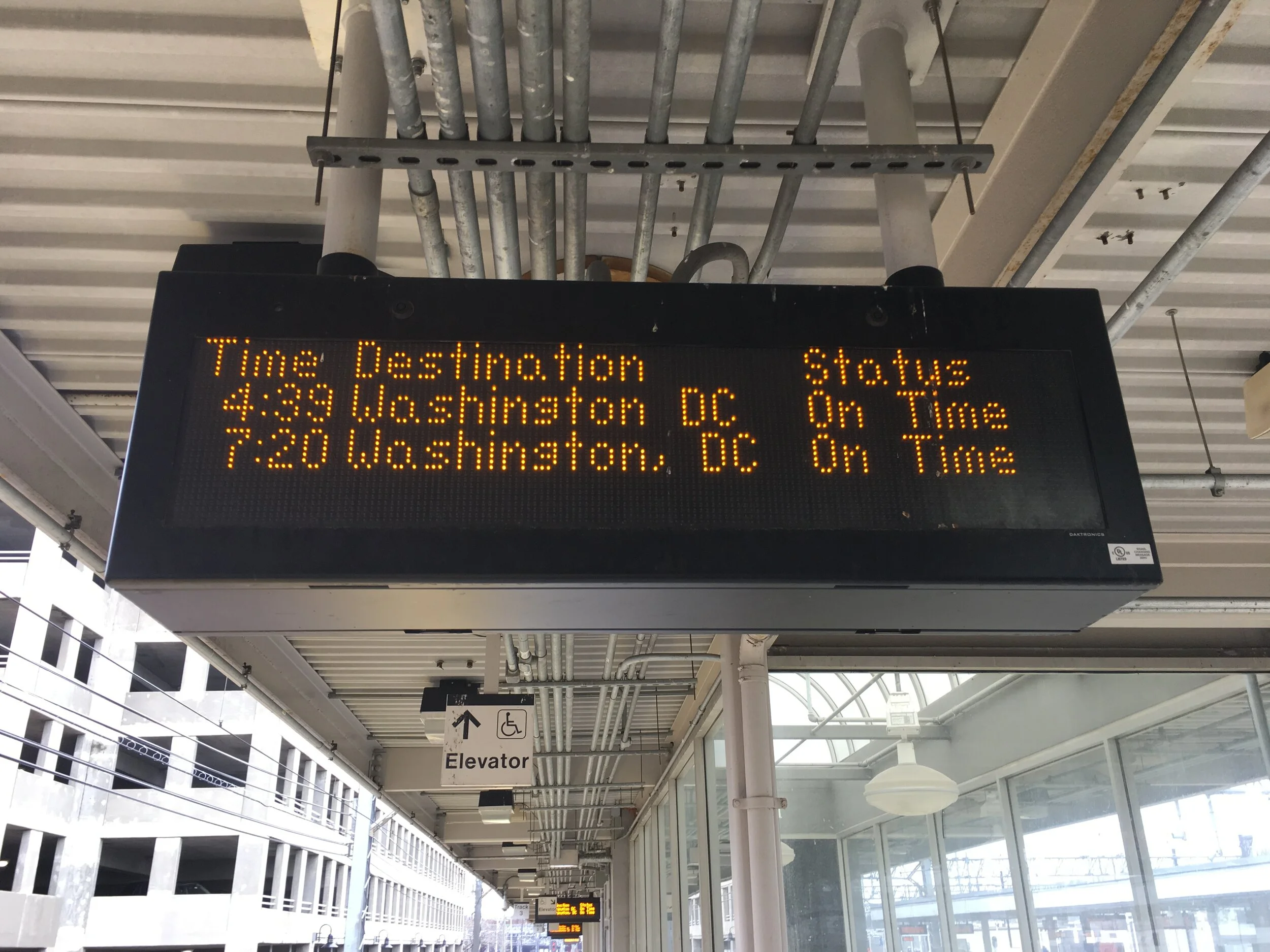
Platform Display
The PD display is unique to each platform, providing a list of all stops for a particular train. The PD display shows data, including stops, for the arriving train.

Train and Ticketing Display
The TID provides arrival and departure information for all incoming trains. All displayed fields are configurable and typically include time of departure, last stop, track number, line designation, train number, and station.
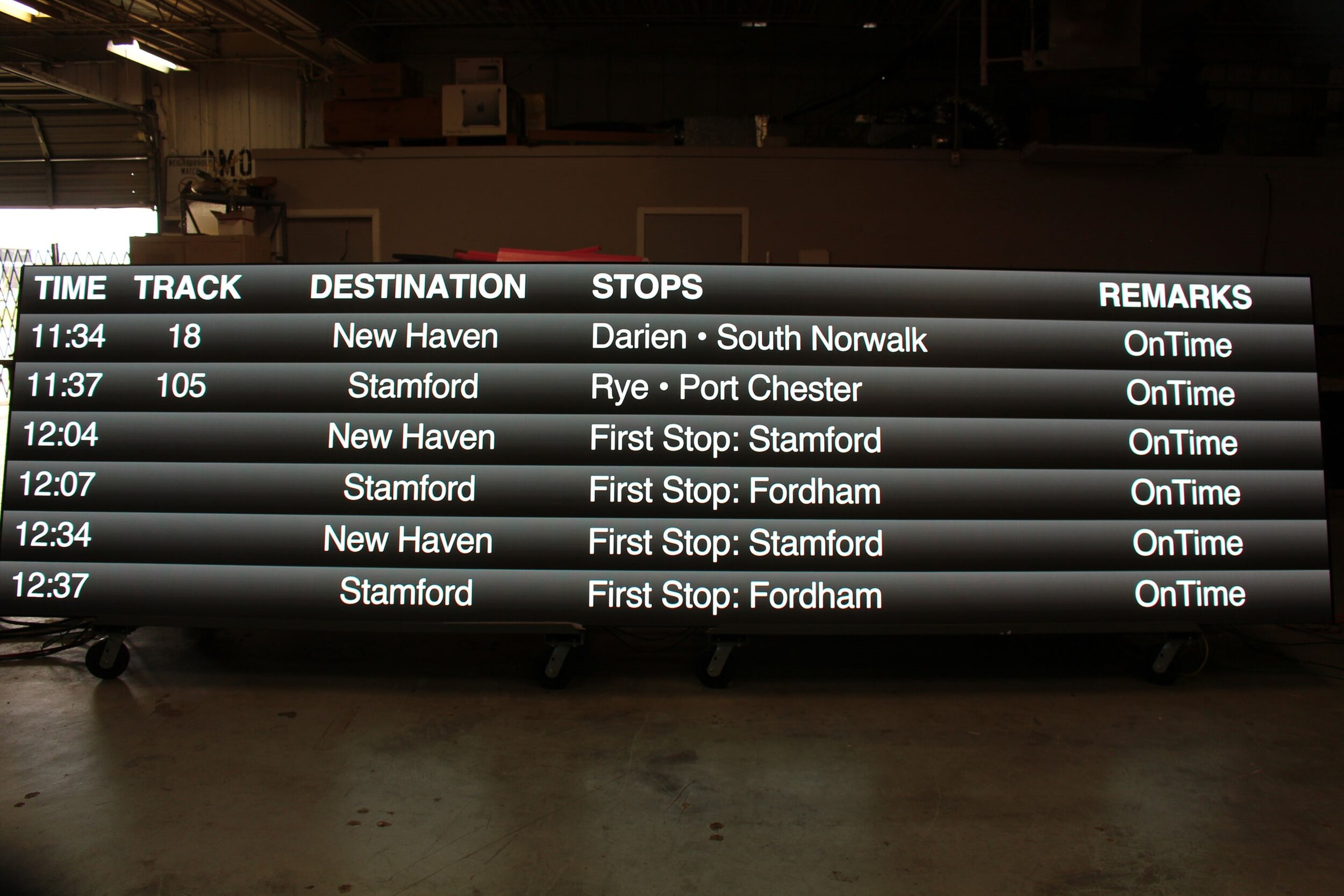
Arrival and Departure Boards
The screens can display the name or logo of the station, the destination or any intermediate points, the expected arrival and departure of the trains in real time, gate numbers, the check in counter numbers and the status of the train.
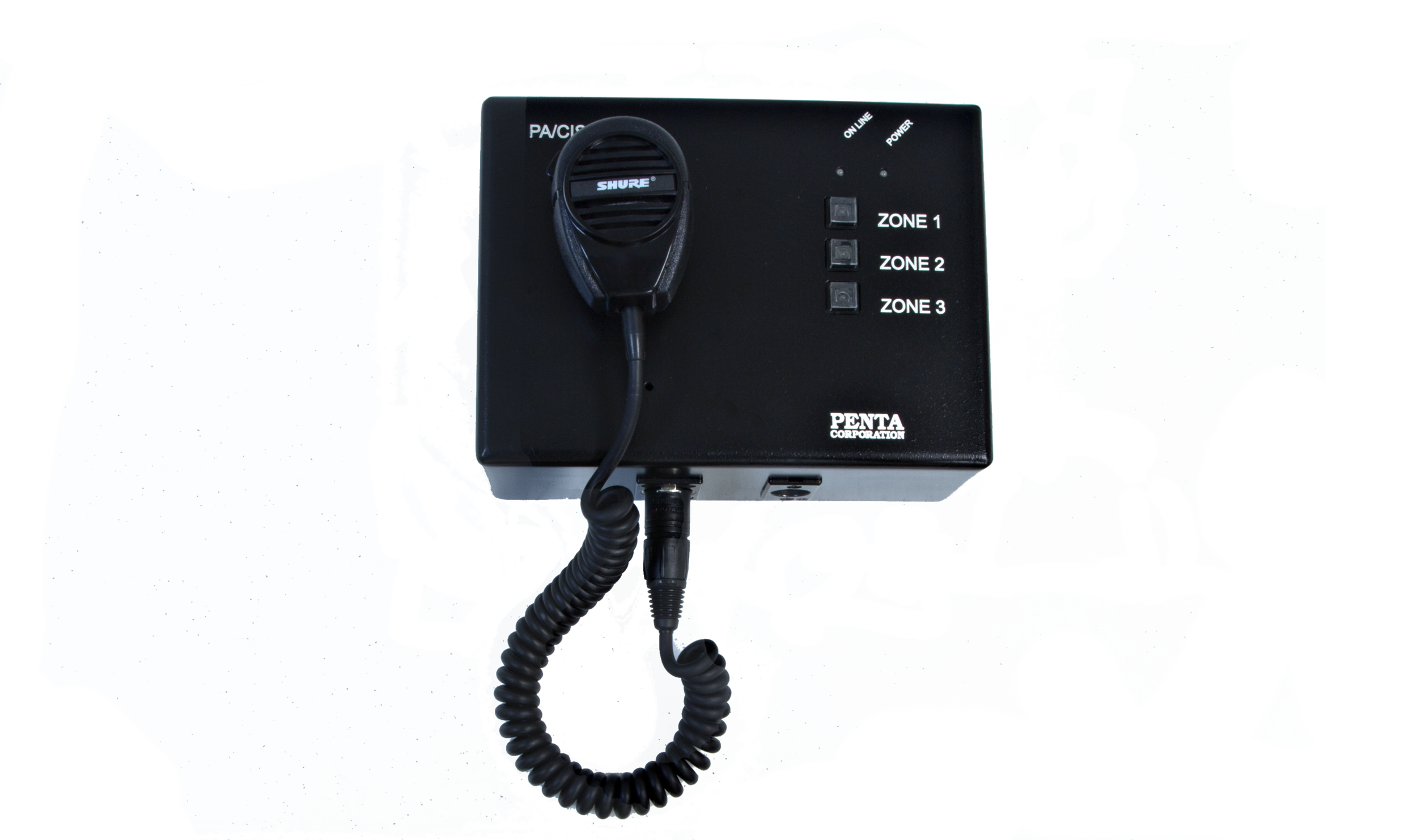
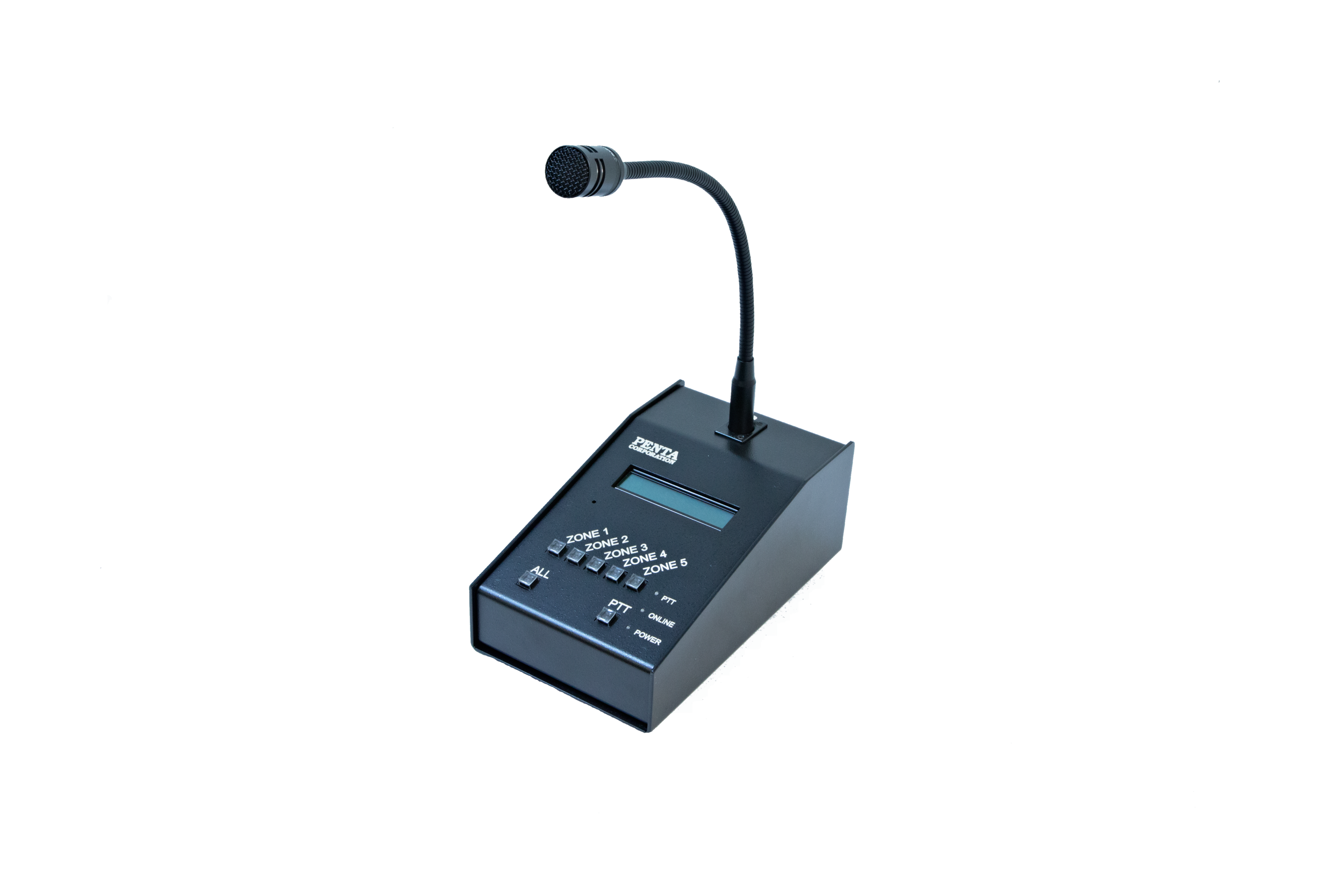
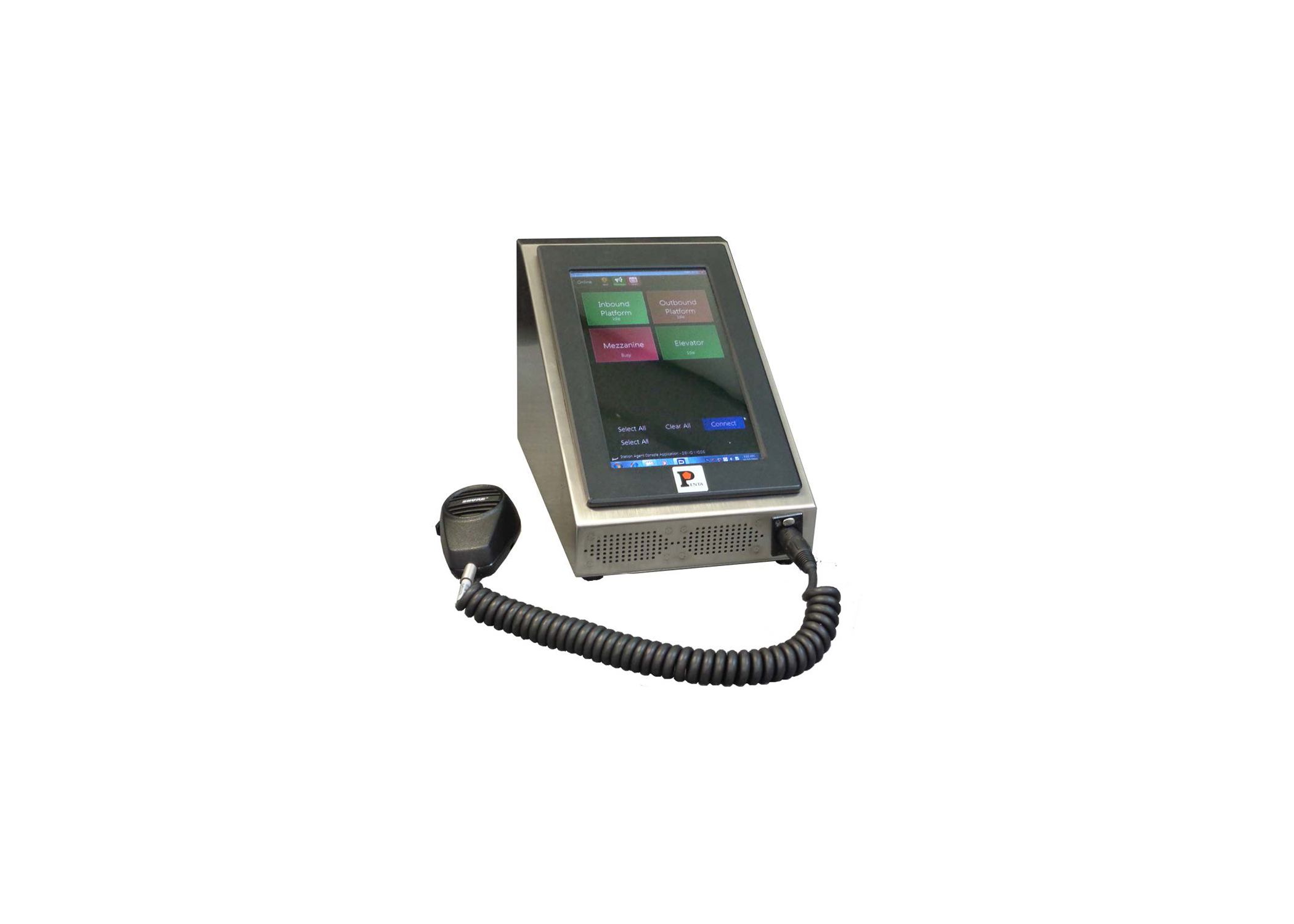
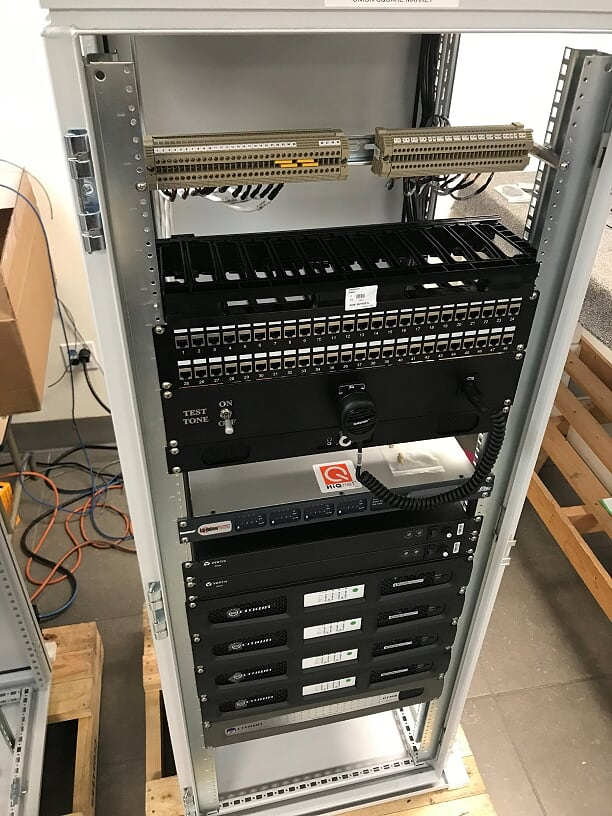
Microphone Options